
Learning that moves with the student.
Enhance learning experience in classroom with Surface.
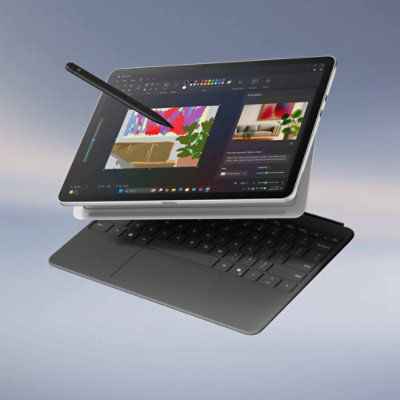 Laptop productivity
Tablet creativity
Surface for Education
Laptop productivity
Tablet creativity
Surface for Education
Laptop productivity.
Tablet creativity.
The 2-in-1 design gives students and educators the flexibility of a laptop and a tablet in one Surface device.
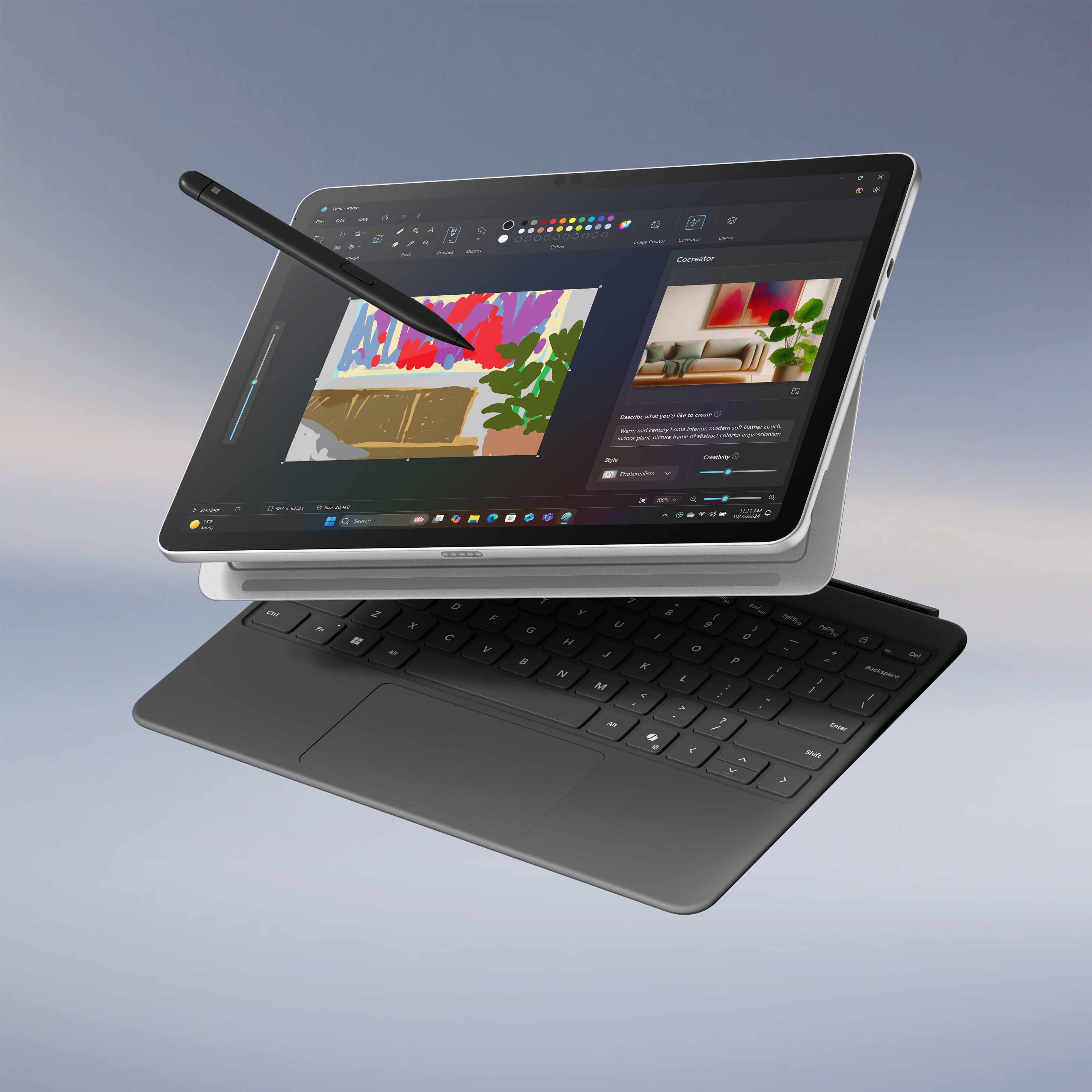
One device. More ways to learn.
Switch between keyboard, touch and pen experiences as the lesson changes — from research and typing to sketching, annotation and presentation.
Explore Surface Pro
Compare the 12-inch and 13-inch experiences through the features students and educators interact with most.
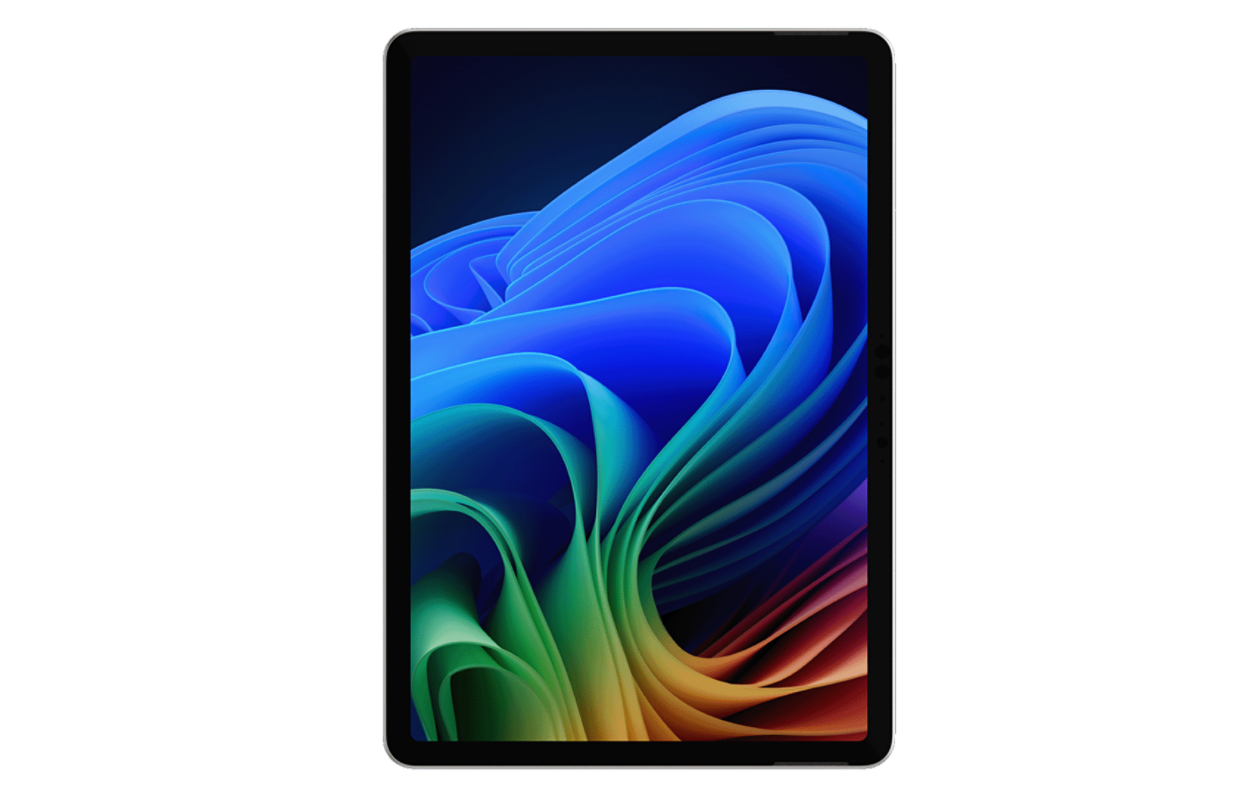
Landscape or portrait
Easily switch orientation for browsing, taking notes or creating.
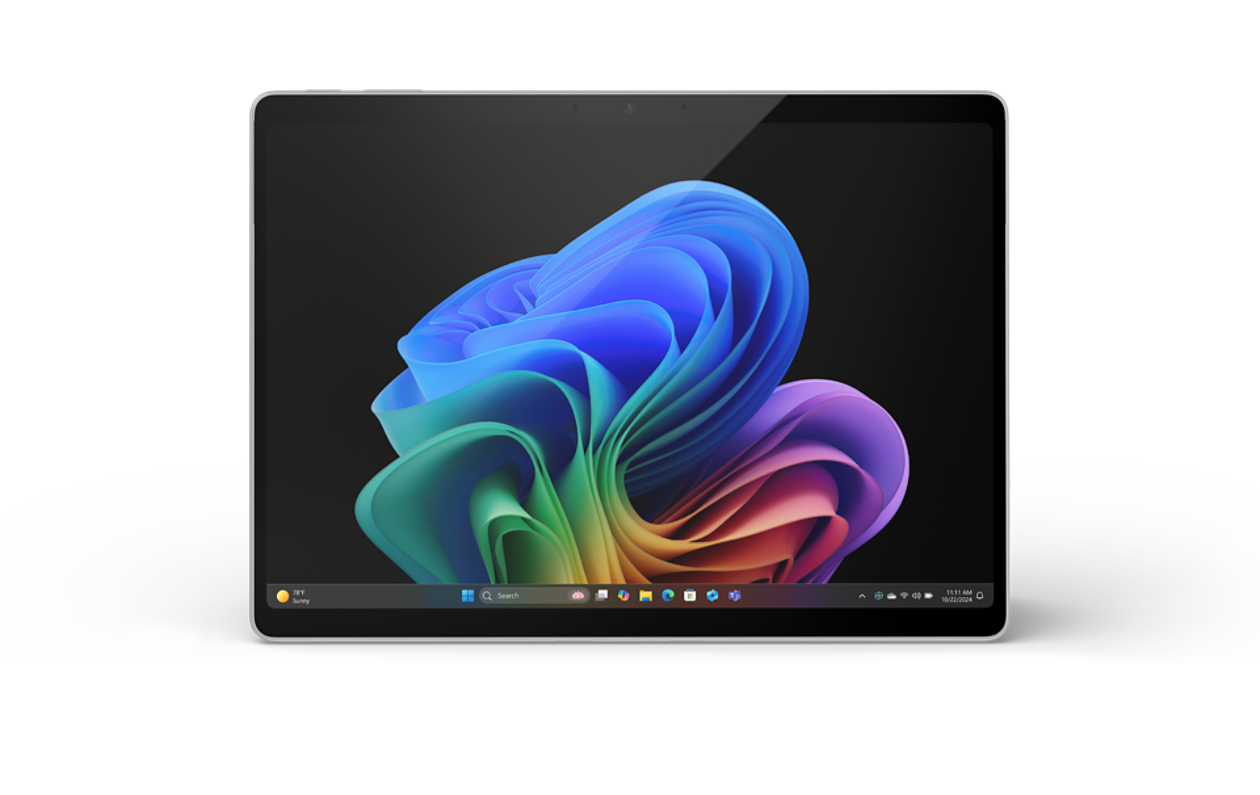
Gorgeous display
Optional ultra-bright OLED PixelSense display with vivid colours.
Built around how students actually work.
Instead of another horizontal tab carousel, the main Surface capabilities are presented as a simple learning journey.
Talk to your AI companion
Use Copilot for organising, iterating, researching, refining ideas, planning and creative exploration.
Precise inking, natural feeling
Take notes, draw, edit or annotate with Surface Slim Pen and convert handwriting where supported in Windows 11.
Sleek, durable Pro Keyboard
Transform Surface Pro into a laptop-style workspace with portable keyboard and touchpad options.
Sustainability
Surface Pro supports Microsoft’s sustainability direction with recycled materials and energy-efficiency considerations.
Build your Surface setup
Choose the accessories that turn a Surface Pro into the right learning and productivity environment.
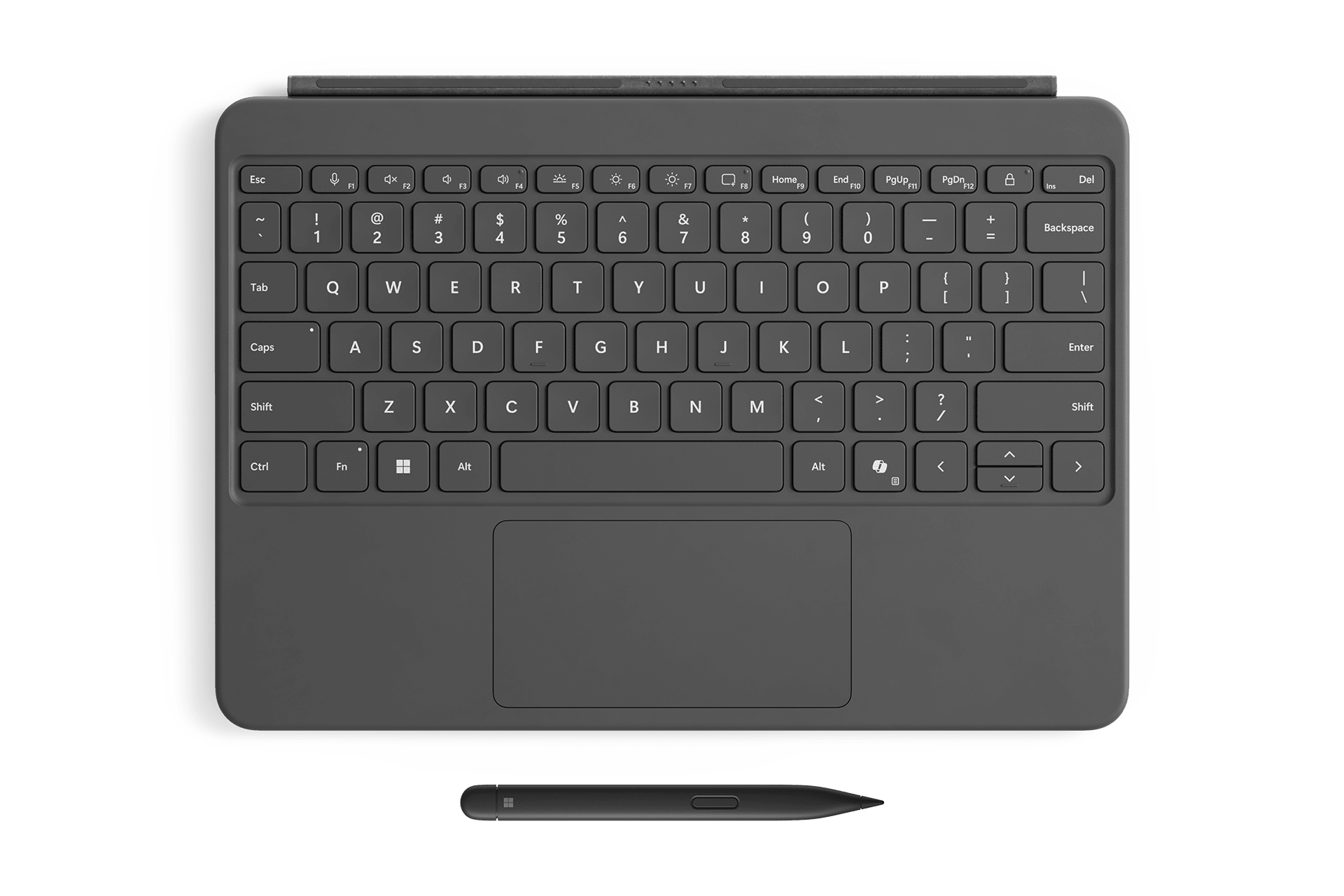
Surface Keyboard 12-inch with Slim Pen
Transform Surface Pro into a full laptop with a comfortable keyboard while keeping Slim Pen close at hand.
Enquire NowContact Us
Need help with your enquiry? Speak with JK Tech to get more information.
Tell us what you need, and our team will get back to you shortly.